How it works
Up and running, step by step.
You don't migrate everything on day one. BLN Fleet guides the setup, stage by stage, and you can stop and continue whenever you want — progress is saved.
Step 1
Create your company account
Your BLN Fleet access code creates the company and its owner account, confirmed by e-mail.
Step 2
Set up your company and fleet
Start from your company's tax ID, then add trucks, trailers and drivers — or let the onboarding read them from documents.
Step 3
Upload documents and import data
Registration certificates, insurance, invoices, Excel or CSV tables. You review what was read before anything is saved.
Step 4
Run daily operations in BLN Fleet
Trips, assignments, invoices, payments, fuel and maintenance — with dispatcher and accountant accounts for your team.
Step 5
Track performance and money
Profit per trip, truck, driver and client; receivables; costs; problems that need you. In RON or EUR.

Every day after
The morning routine, in one screen.
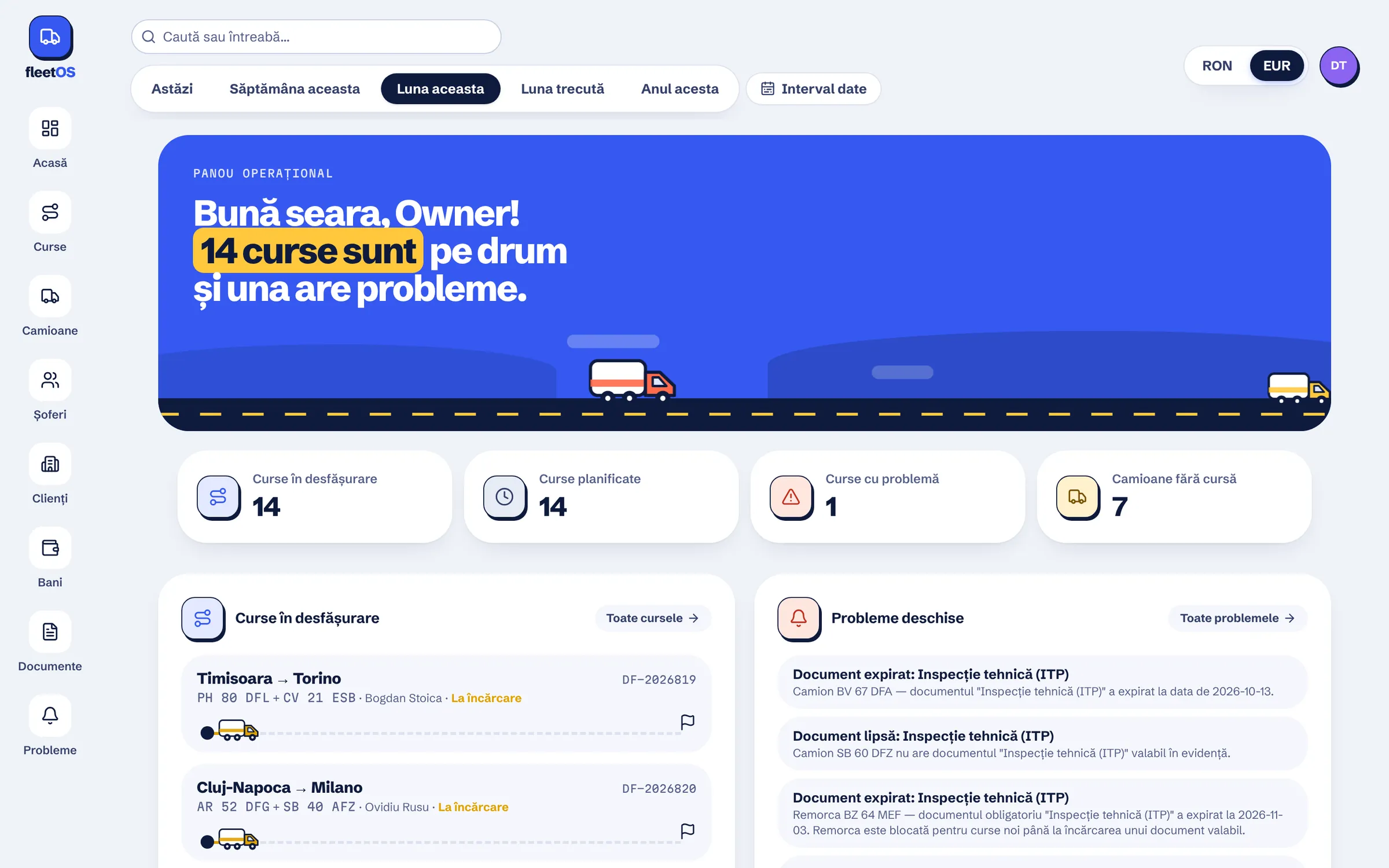
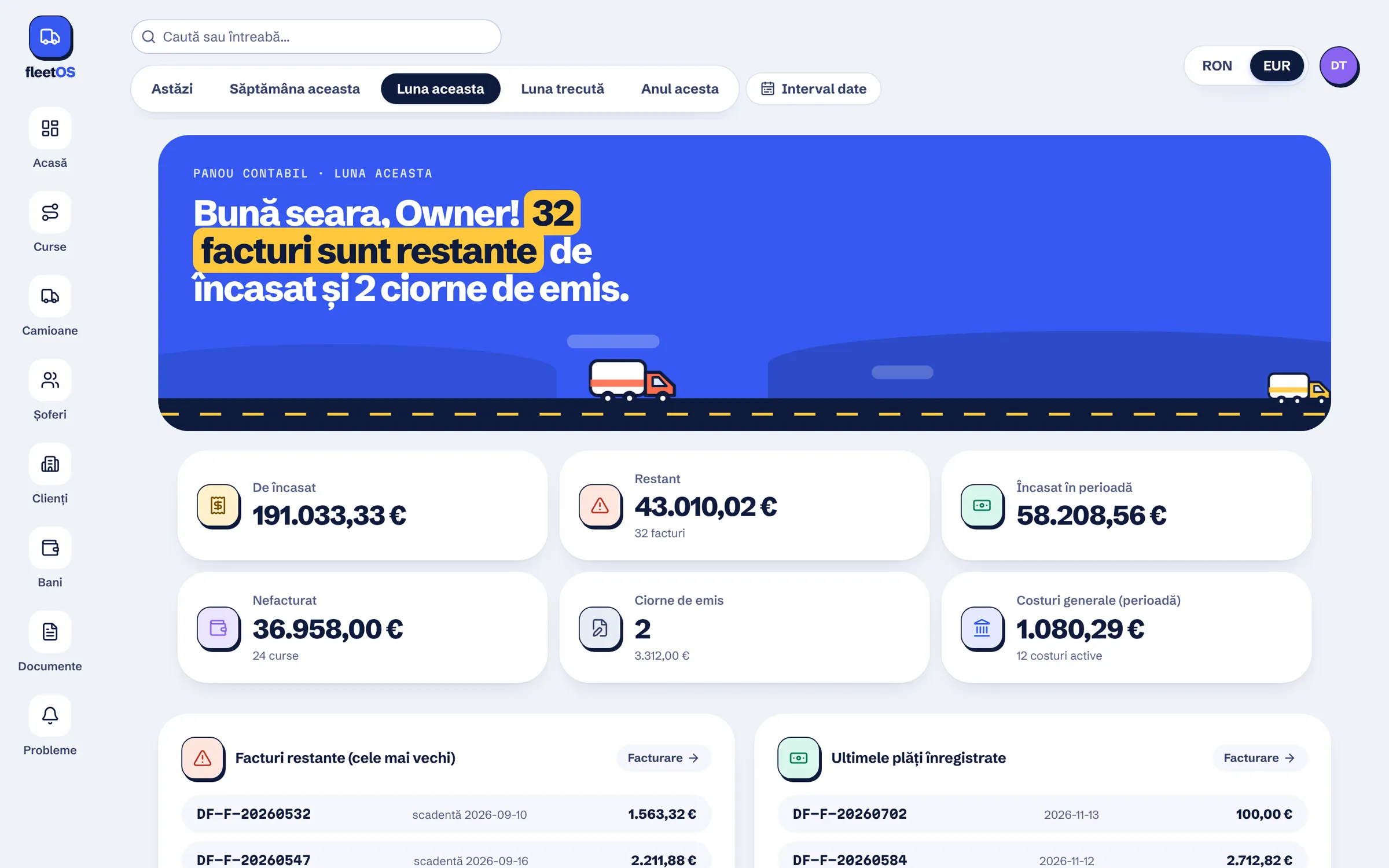
Trucks on the road, things waiting for you, money to collect and the month's profit — on the dashboard. Dispatchers and accountants get their own workspaces.
See it
A forty-second tour.
See your own company in BLN Fleet.
We will walk you through the platform on demo data and talk about what your fleet needs.